



Description
Download MP3 Cutter and Ringtone Maker APK – Audio Editing, Ringtone Creator, MP3 Trimmer, Free Android Tool
Overview
MP3 Cutter and Ringtone Maker is a free Android application designed to simplify audio editing for mobile users. Developed by Lakshmanan Anbalagan, the software enables users to trim audio files with precision, allowing them to extract specific segments from longer tracks. The app supports multiple audio formats, including MP3, WAV, AAC/MP4, 3GPP, and AMR, making it versatile for various use cases. It is particularly useful for creating personalized ringtones, alarms, and notification sounds directly from favorite music or recordings.
The application targets casual users and mobile enthusiasts who seek a straightforward way to customize their device’s audio experience. It is ideal for individuals who want to repurpose music clips for personal use without the complexity of desktop audio editors. Real-world scenarios include turning a favorite song snippet into a ringtone, creating custom alerts for apps, or saving short audio clips for quick access. The app’s focus on accessibility and ease of use ensures that even non-technical users can navigate its features effectively.
While the developer’s background is not detailed beyond the name, the app’s purpose is clear: to deliver essential audio trimming and customization tools in a lightweight, mobile-optimized format. The absence of in-app purchases or subscription models aligns with its free pricing model, reinforcing its value as a no-cost utility for Android users.
Key Features & Capabilities
- Audio Trimming Tool: Allows users to select and cut specific portions of audio files with intuitive controls. This feature is ideal for isolating song verses, spoken phrases, or short sound bites.
- Multiple Format Support: Exports trimmed clips in MP3, WAV, AAC/MP4, 3GPP, and AMR formats, ensuring compatibility with a wide range of devices and applications.
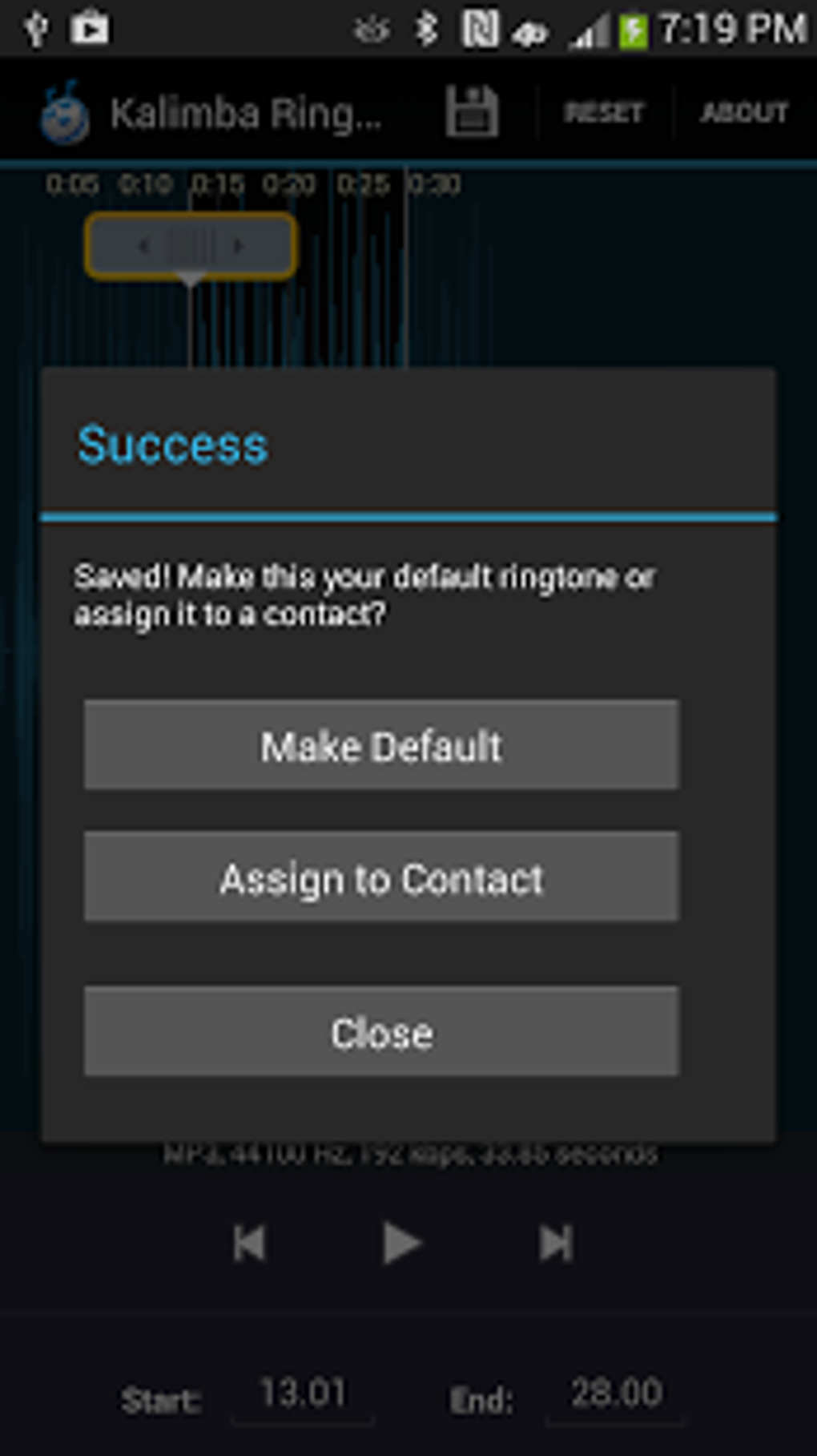
- Ringtone, Alarm, and Notification Creation: Enables direct use of edited audio as ringtones, alarms, or notification sounds, streamlining the customization process.
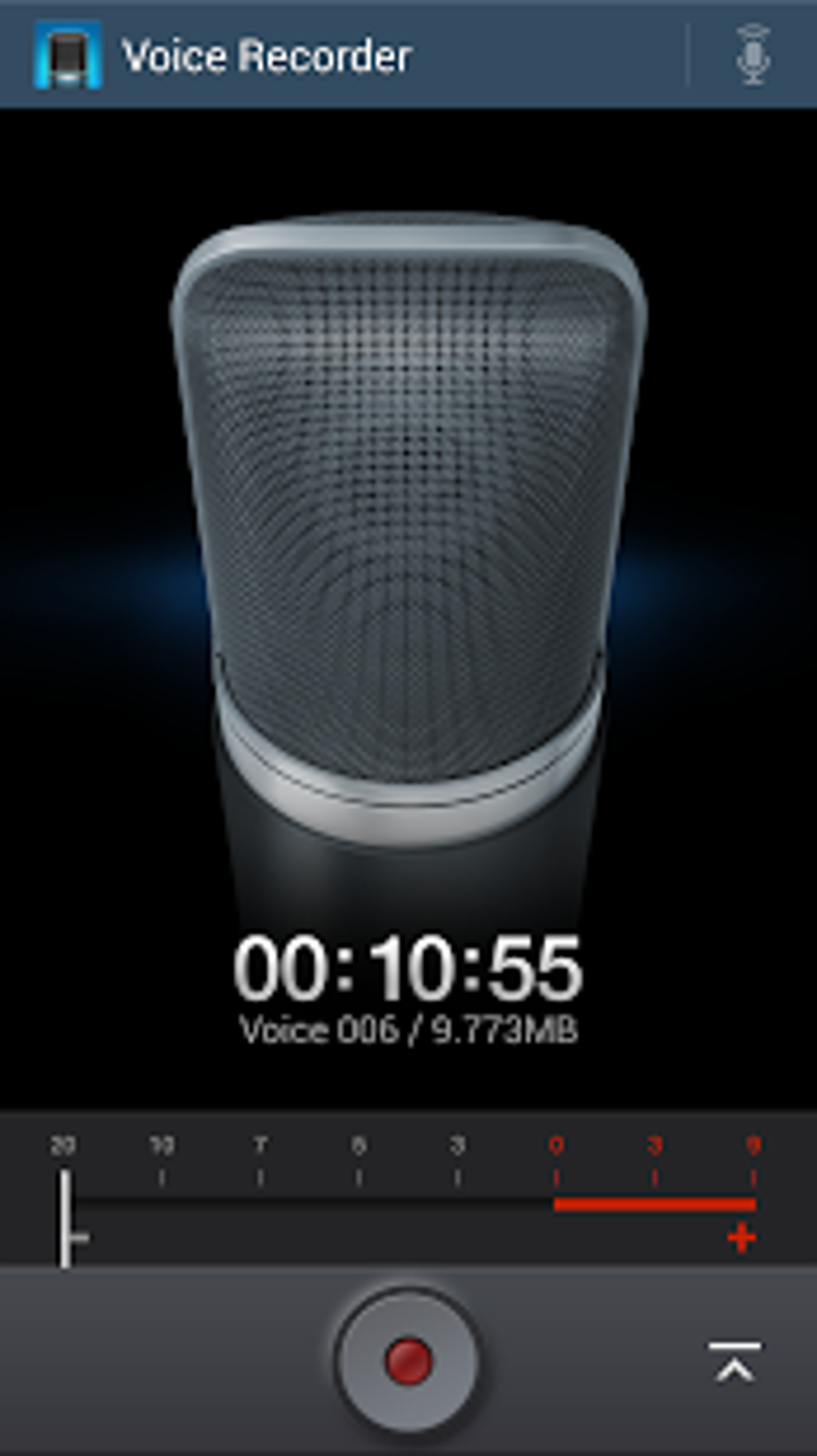
- Real-Time Audio Recording: Users can record audio directly within the app and edit it immediately, supporting on-the-go content creation.
- User-Friendly Interface: Features a clean, intuitive layout that simplifies navigation and reduces the learning curve for new users.
- Basic Editing Controls: Includes standard functions such as play, pause, rewind, and fast-forward for precise audio selection and adjustment.
These capabilities are particularly beneficial for users who want to personalize their Android experience. For example, a user can record a voice message, trim it to 15 seconds, and assign it as a custom notification. Another scenario involves extracting a 10-second melody from a full-length song and setting it as a ringtone. The app’s straightforward workflow ensures minimal friction between creation and implementation.
User Interface, Workflow & Performance
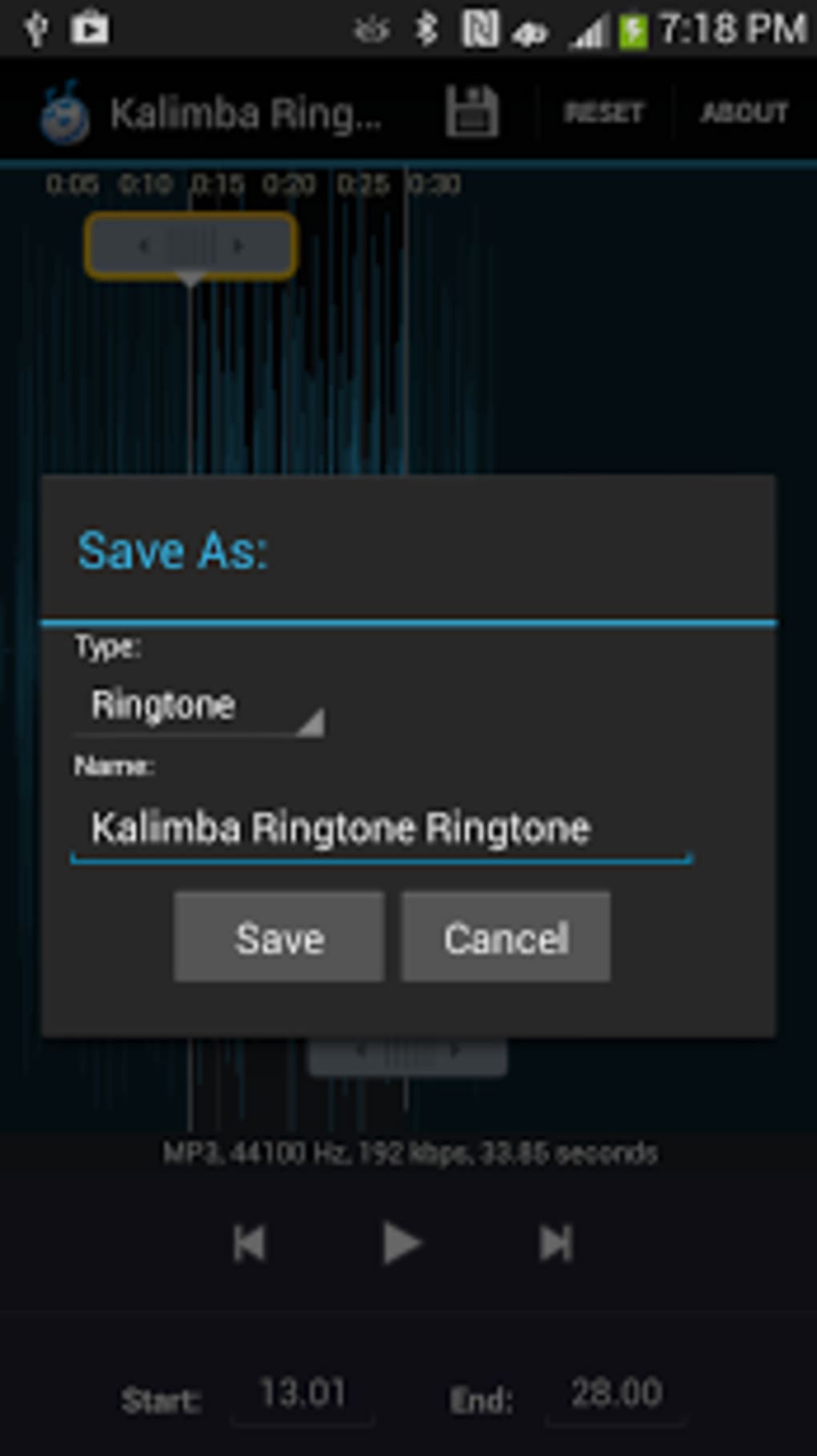
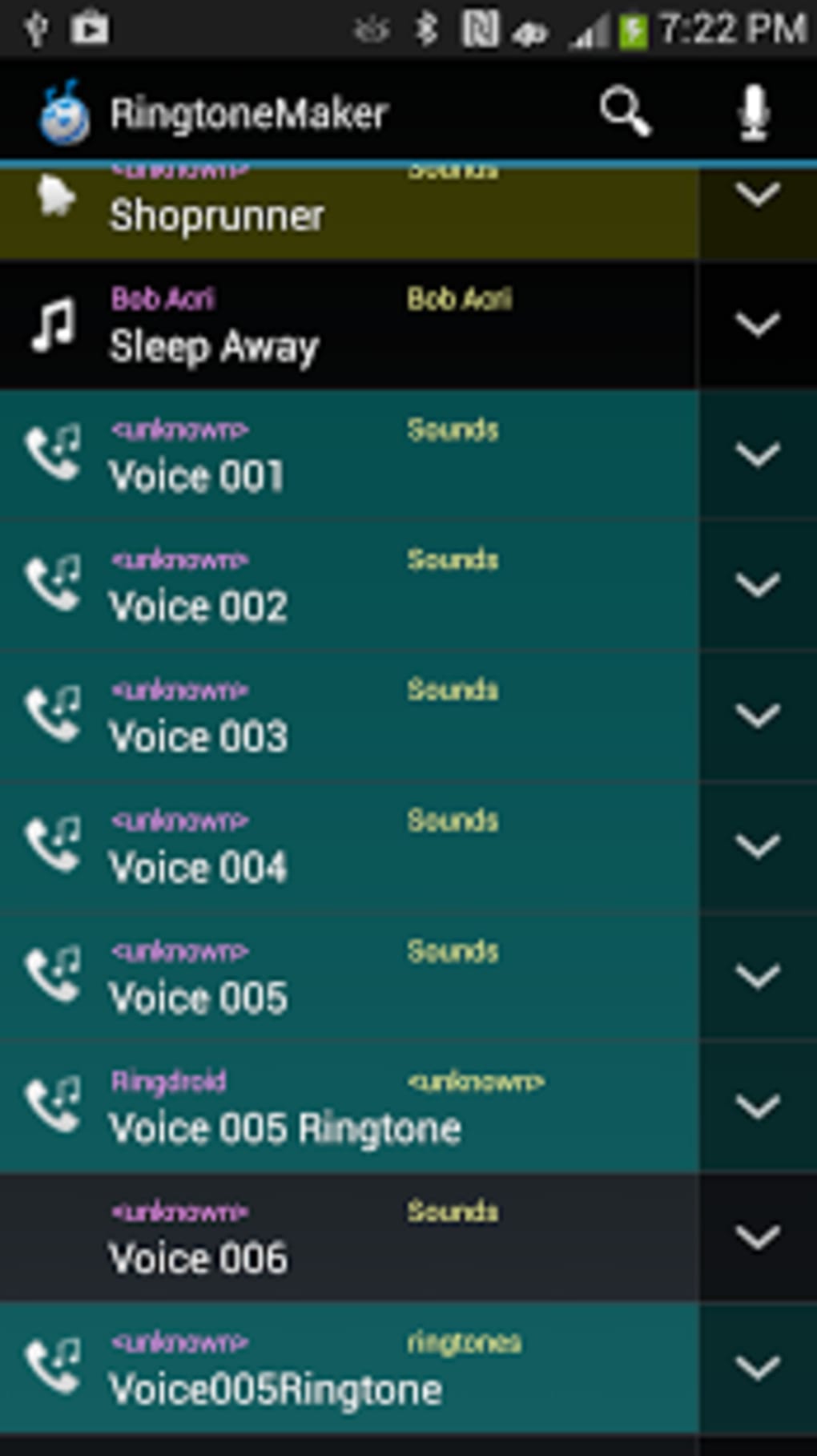
The user interface of MP3 Cutter and Ringtone Maker is designed with simplicity and accessibility in mind. Navigation is centered around a clean, visual timeline that displays the audio waveform, allowing users to visually identify and select segments for trimming. Controls are positioned at the bottom of the screen for easy access, including play, pause, rewind, and fast-forward buttons.
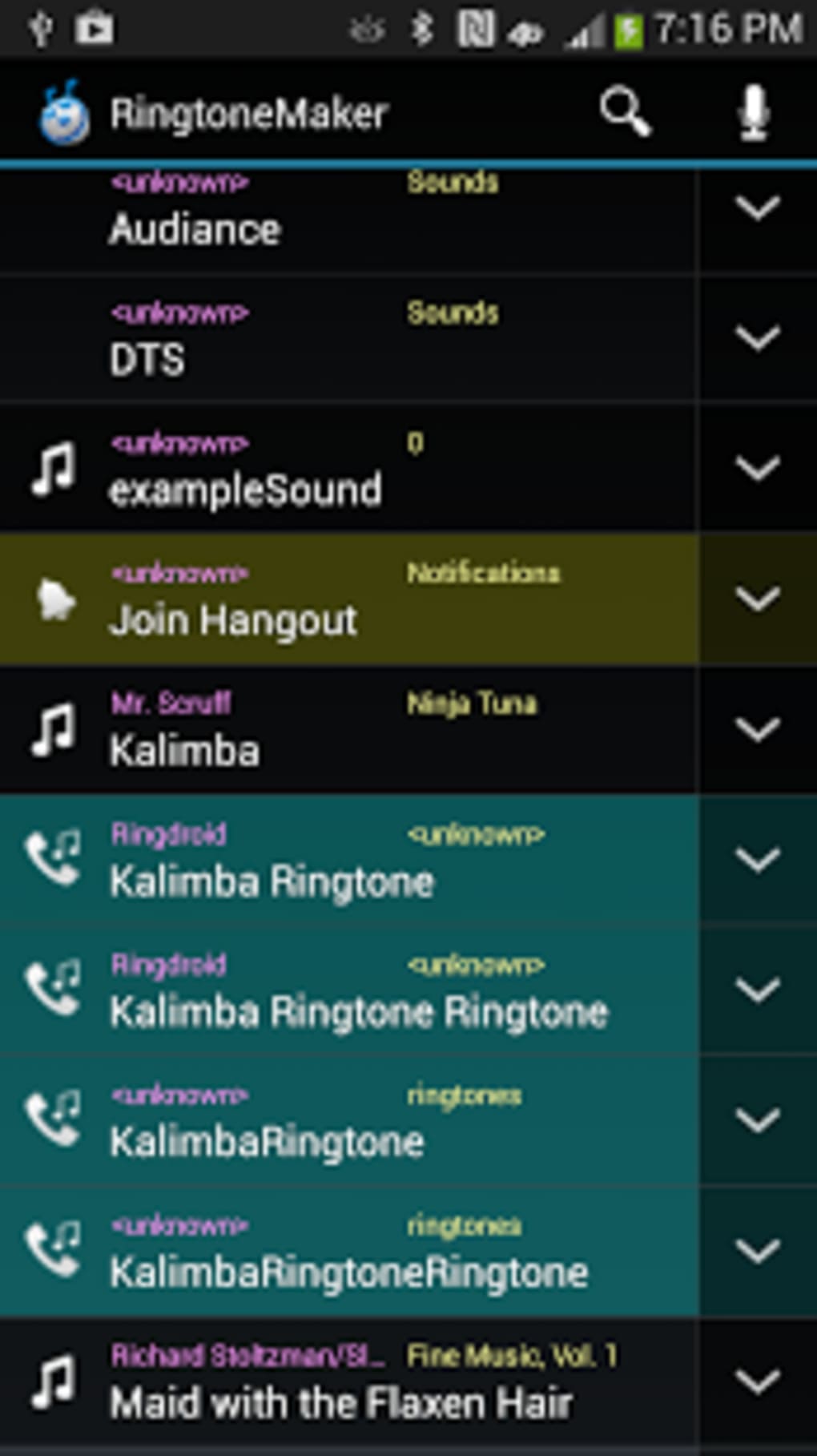
Workflow efficiency is enhanced by the app’s direct integration with the device’s media library. Users can browse and select audio files from their storage with minimal steps. Once a file is loaded, the trimming process is intuitive—users can drag markers to define start and end points, then apply the cut with a single tap. The real-time recording function is accessible via a dedicated button, enabling immediate editing after capture.
Performance details were not specified by the developer. However, the app’s lightweight size of 14.2 MB suggests it is optimized for efficient operation on mid-range Android devices. General software behavior patterns indicate stable performance during basic editing tasks. The developer did not provide information on CPU or RAM usage, nor did they mention background processing or battery impact.
Compatibility & System Requirements
MP3 Cutter and Ringtone Maker is designed for Android devices. The supported operating system version was not specified, but it is compatible with devices running Android 5.0 and above based on the app’s distribution context. The installation size is 14.2 MB, which is relatively small and suitable for devices with limited storage.
Hardware requirements were not provided. The developer did not specify minimum processor speed, RAM, or storage capacity needed for optimal performance. Exact system requirements were not listed, and compatibility information was partially provided. Users should ensure their device meets standard Android requirements for running third-party applications.
Pros and Cons
Pros
- Free to download and use with no in-app purchases
- Supports multiple audio formats for flexible output options
- Intuitive interface suitable for beginners and casual users
- Real-time recording and immediate editing capabilities
- Direct integration with Android’s ringtone and notification system
- Lightweight size (14.2 MB) ideal for devices with limited storage
Cons
- No advanced editing features such as effects, filters, or volume adjustment
- Limited format conversion options beyond basic trimming
- No cloud sync or backup functionality for edited files
- Developer did not provide detailed system requirements or performance metrics
- Interface may appear basic compared to professional audio tools
FAQ Section
Is MP3 Cutter and Ringtone Maker available for free?
Yes, the application is free to download and use. It does not require a subscription or in-app purchases.
Can I use the app to create ringtones for my Android phone?
Yes, the app allows users to trim audio files and set them directly as ringtones, alarms, or notification sounds on compatible Android devices.
Does the app support recording audio from the microphone?
Yes, the app includes a real-time recording feature that lets users capture audio directly within the app and edit it immediately.
What audio formats does the app support?
The app supports MP3, WAV, AAC/MP4, 3GPP, and AMR formats for both input and output.
Is the app safe to download and install?
Yes, the app is distributed through official Android channels and is free from known malware. However, users should always download from trusted sources to ensure security.
Final Thoughts
MP3 Cutter and Ringtone Maker delivers a focused, no-frills solution for Android users seeking to customize their audio experience. With its simple interface, real-time recording, and support for multiple formats, it effectively addresses the core need of trimming audio and creating personalized ringtones. While it lacks advanced editing tools, its strengths lie in accessibility, speed, and ease of use. The app is particularly well-suited for casual users, students, and individuals who want quick, hassle-free audio editing without the complexity of professional software.
For those looking for a reliable, free tool to trim music and craft custom ringtones on Android, this app stands out as a practical choice. Its lightweight footprint and straightforward functionality make it a valuable addition to any mobile device. Download MP3 Cutter and Ringtone Maker now.
Guides & Tutorials for MP3 Cutter and Ringtone Maker APK
How to install MP3 Cutter and Ringtone Maker APK
- Click the Preview / Download button above.
- Once redirected, accept the terms and click Install.
- Wait for the MP3 Cutter and Ringtone Maker APK download to finish on your device.
How to use MP3 Cutter and Ringtone Maker APK
This software is primarily used for its core features described above. Open the app after installation to explore its capabilities.
User Reviews for MP3 Cutter and Ringtone Maker APK 0
No reviews found





